Installation
BotDrop is the easiest way to install OpenClaw on your phone. Download the APK and you’re ready in minutes.
Download
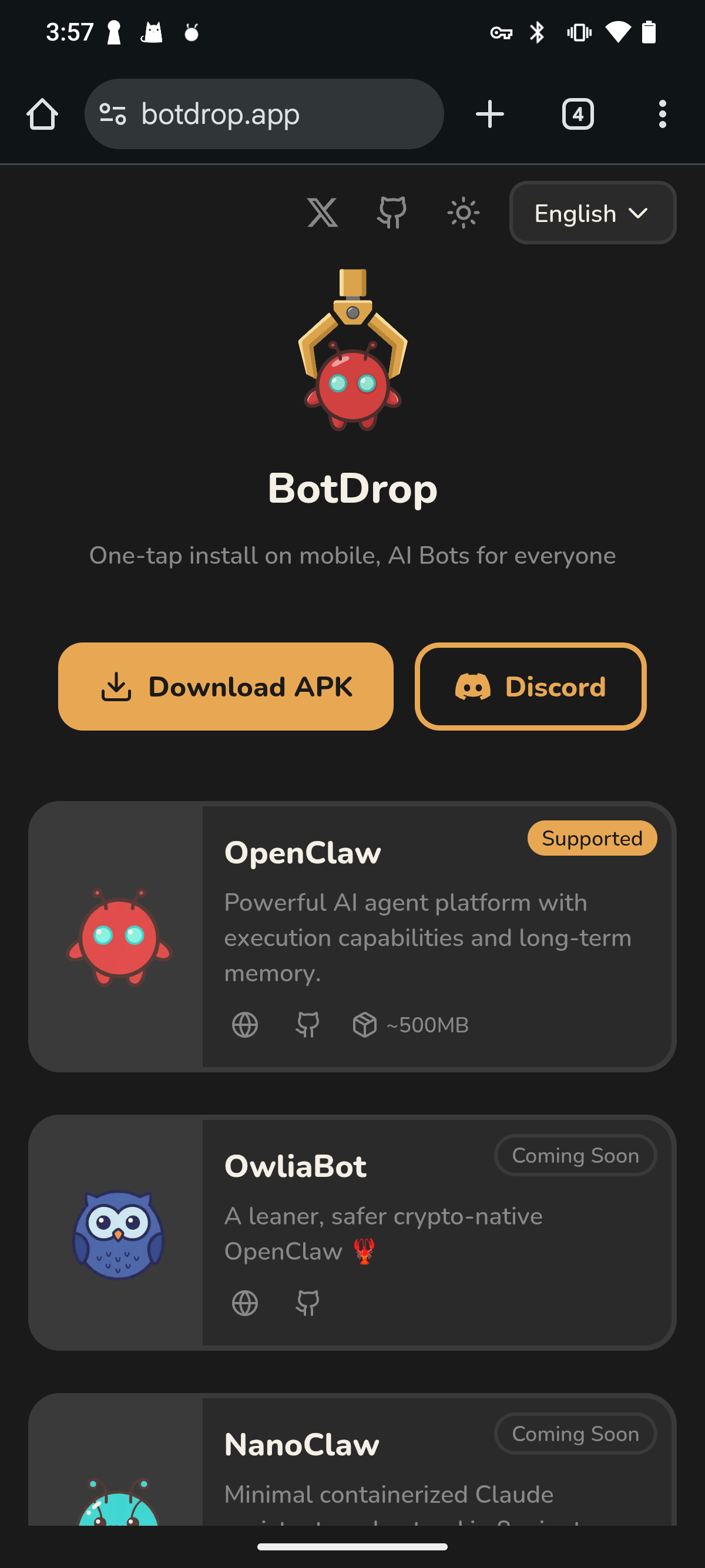
Section titled “Download”Go to botdrop.app and tap Download APK, or get it directly from GitHub Releases.
Requirements
Section titled “Requirements”- Android 7 or later
- At least 2 GB free storage (OpenClaw + Node.js takes ~500 MB)
Install
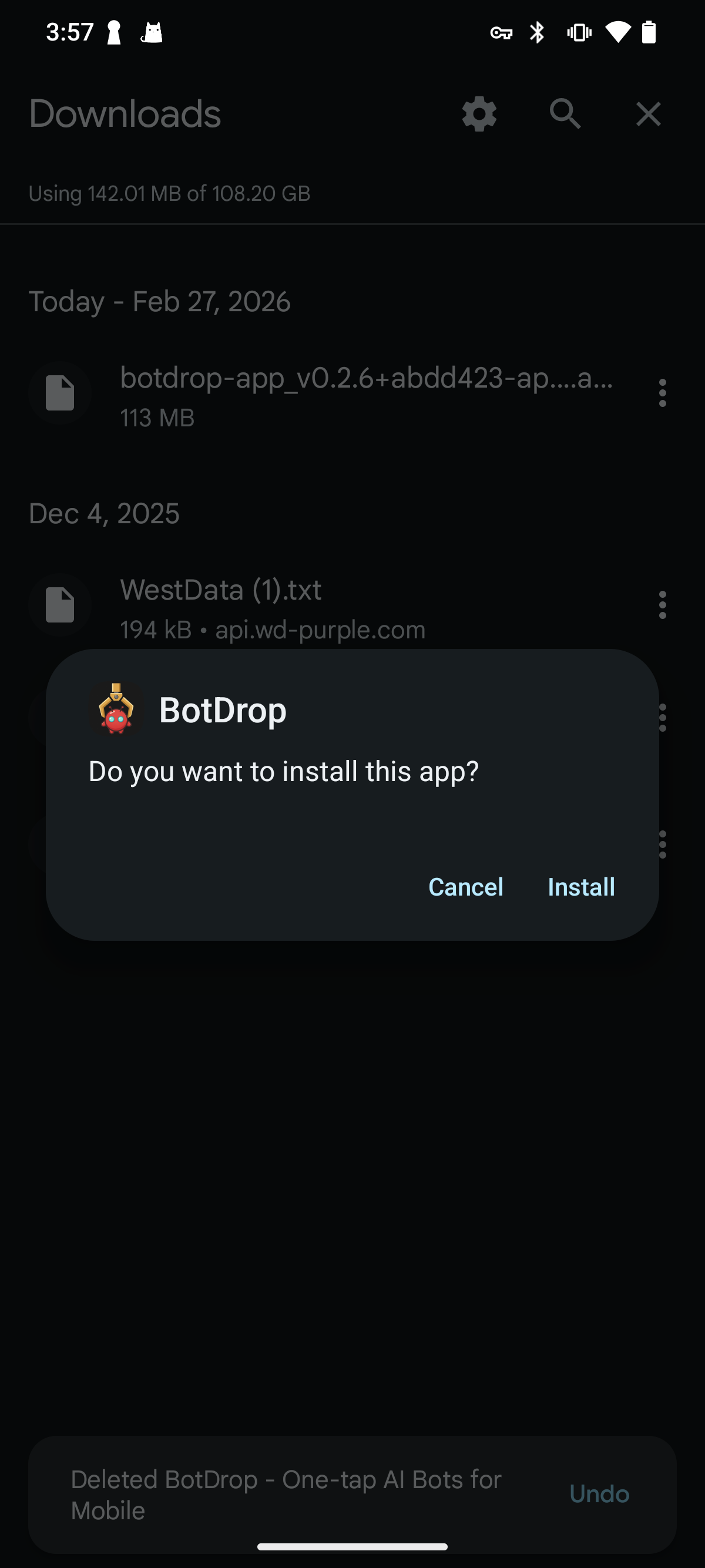
Section titled “Install”Open the downloaded APK. Android will ask you to confirm the installation. Tap Install.
Permissions
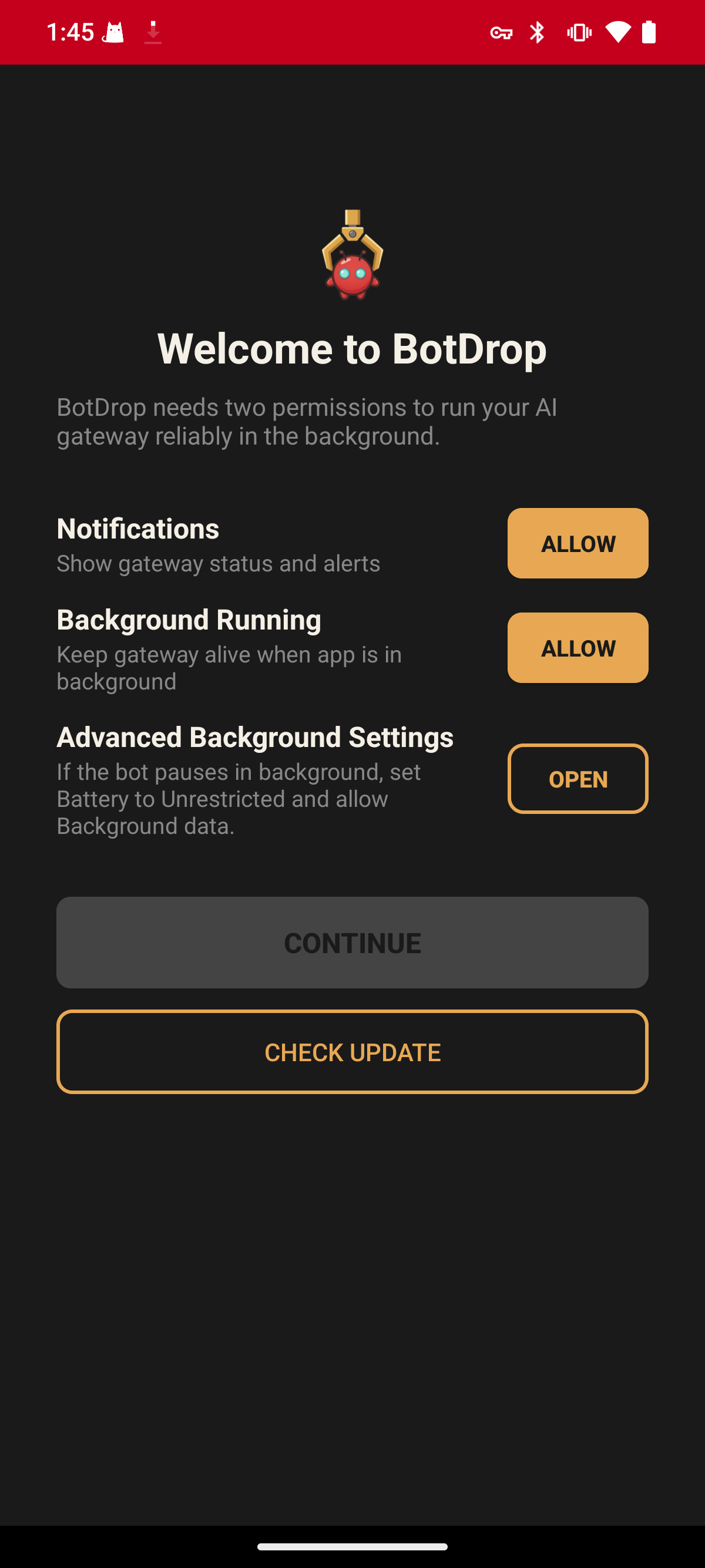
Section titled “Permissions”On first launch, BotDrop asks for two permissions:
Notifications
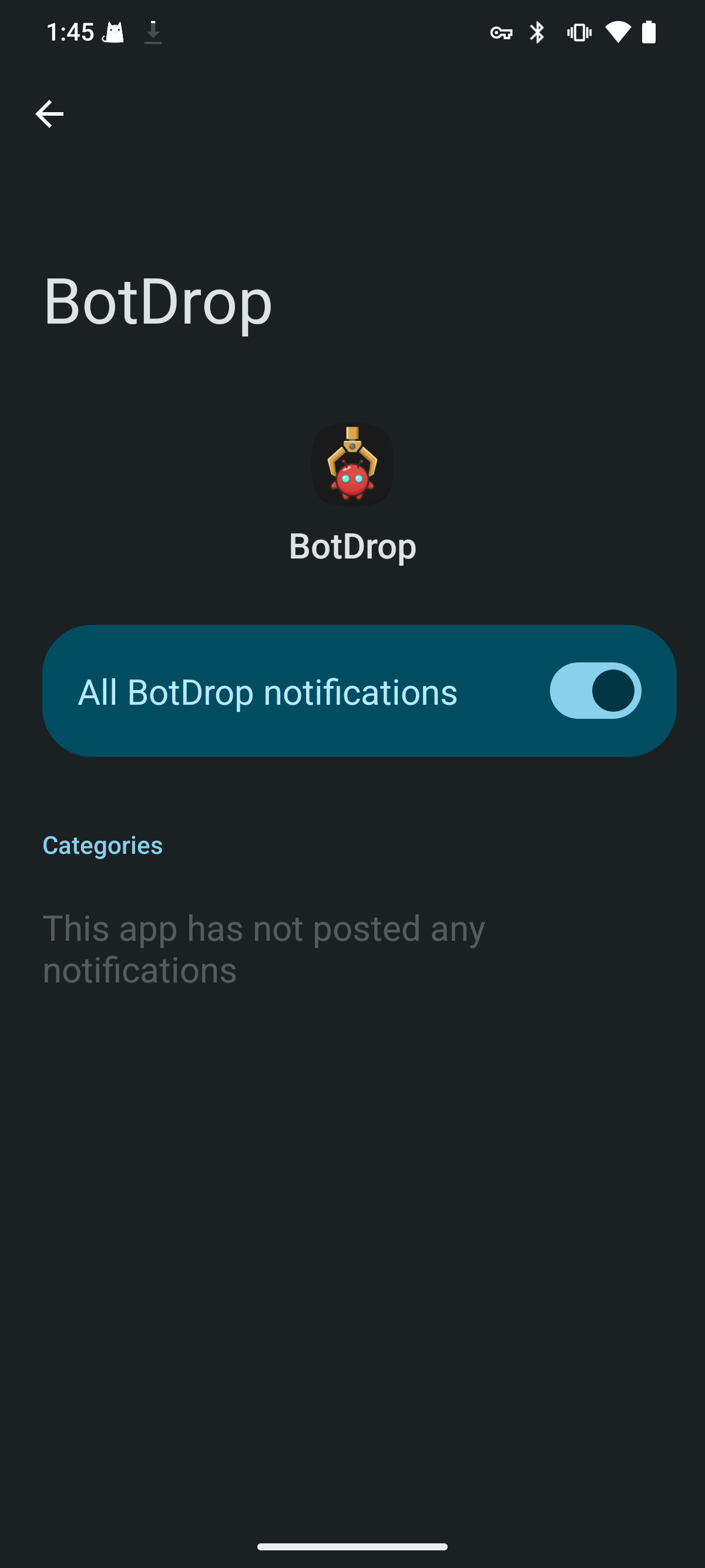
Section titled “Notifications”Tap ALLOW next to Notifications. In the system settings, turn on the notification toggle.
Background Running
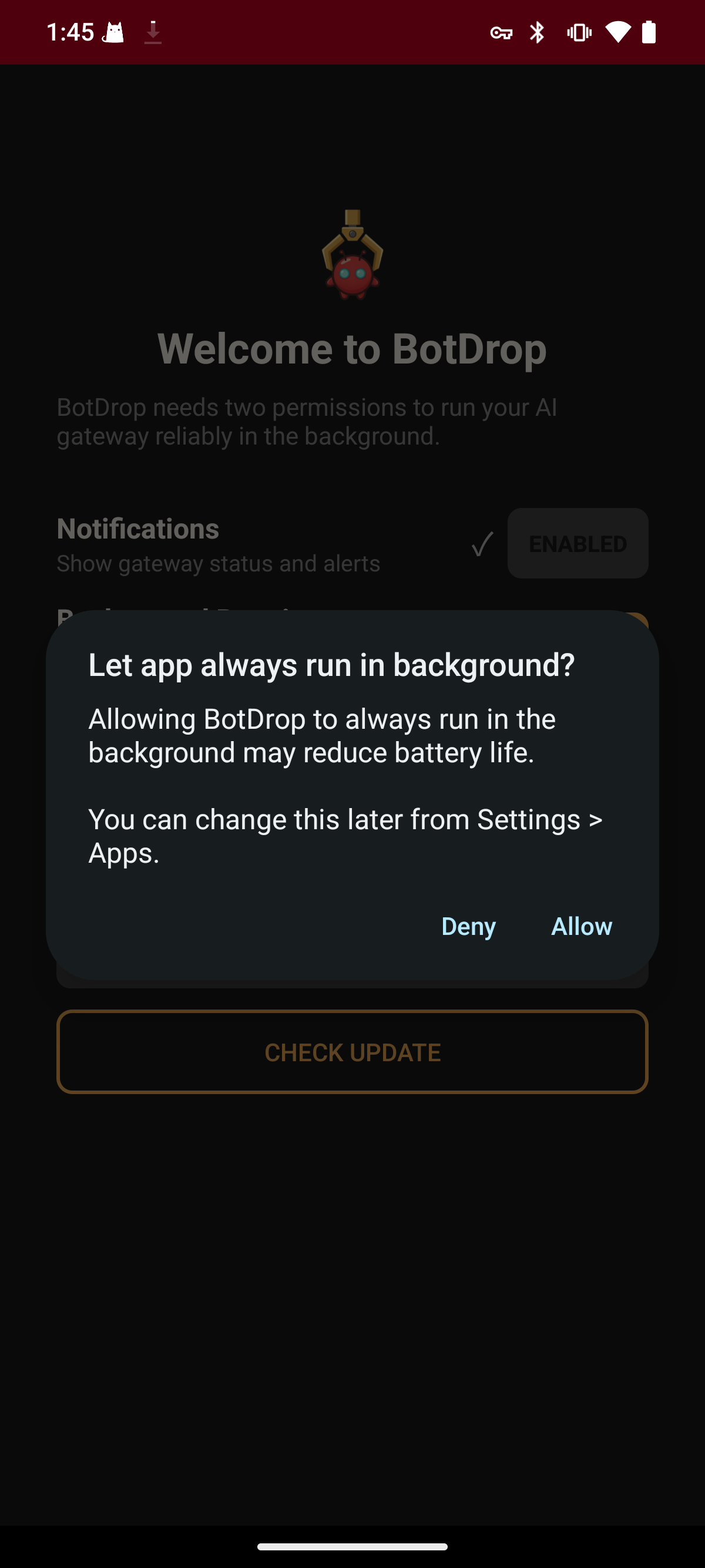
Section titled “Background Running”Tap ALLOW next to Background Running. When the system dialog appears, tap Allow to let the app run in the background.
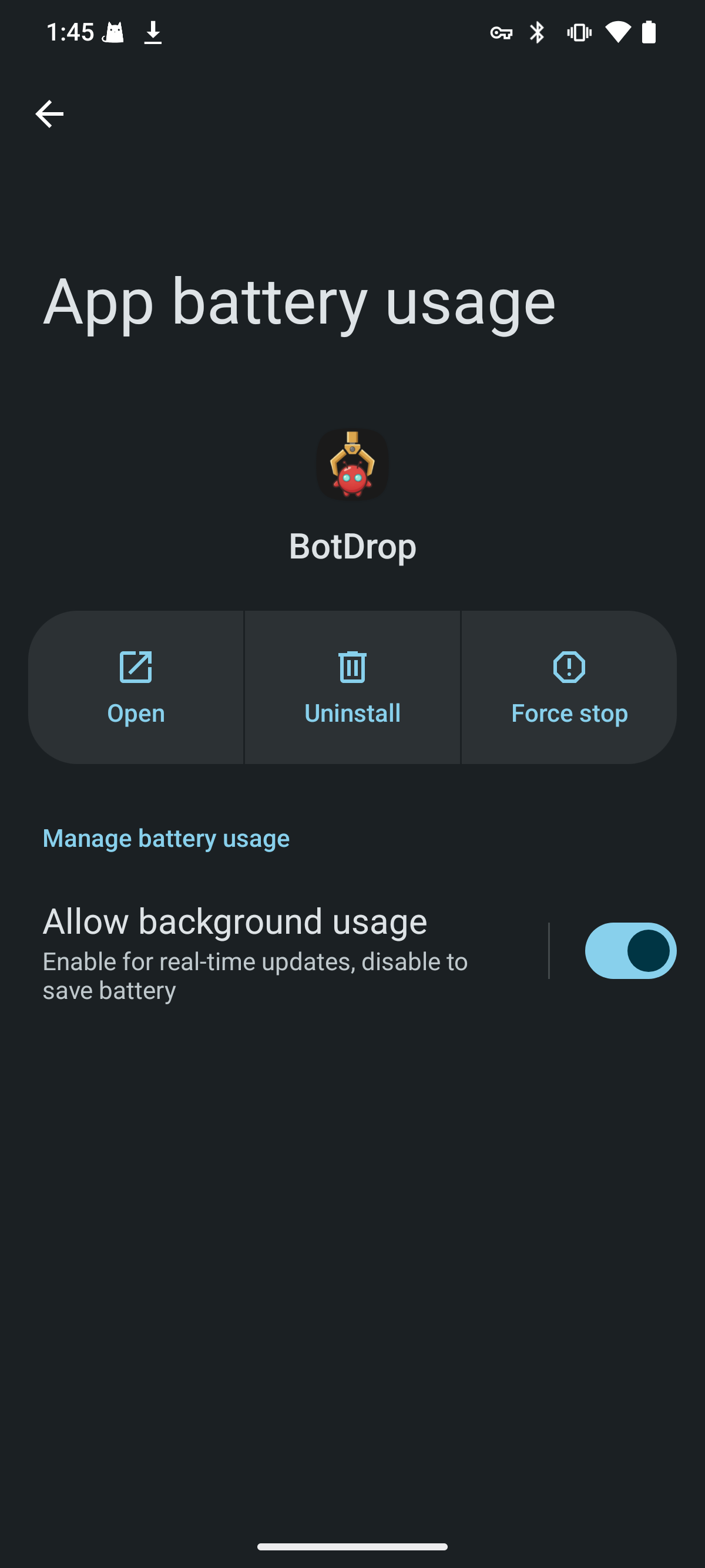
Make sure “Allow background usage” is enabled in battery settings.
Once both permissions are granted, tap CONTINUE to proceed to Setup →.