Setup
After you install OpenClaw on your phone, BotDrop guides you through 4 steps.
Step 1: Choose Your Agent
Section titled “Step 1: Choose Your Agent”Select which bot framework to install. Tap INSTALL next to OpenClaw.
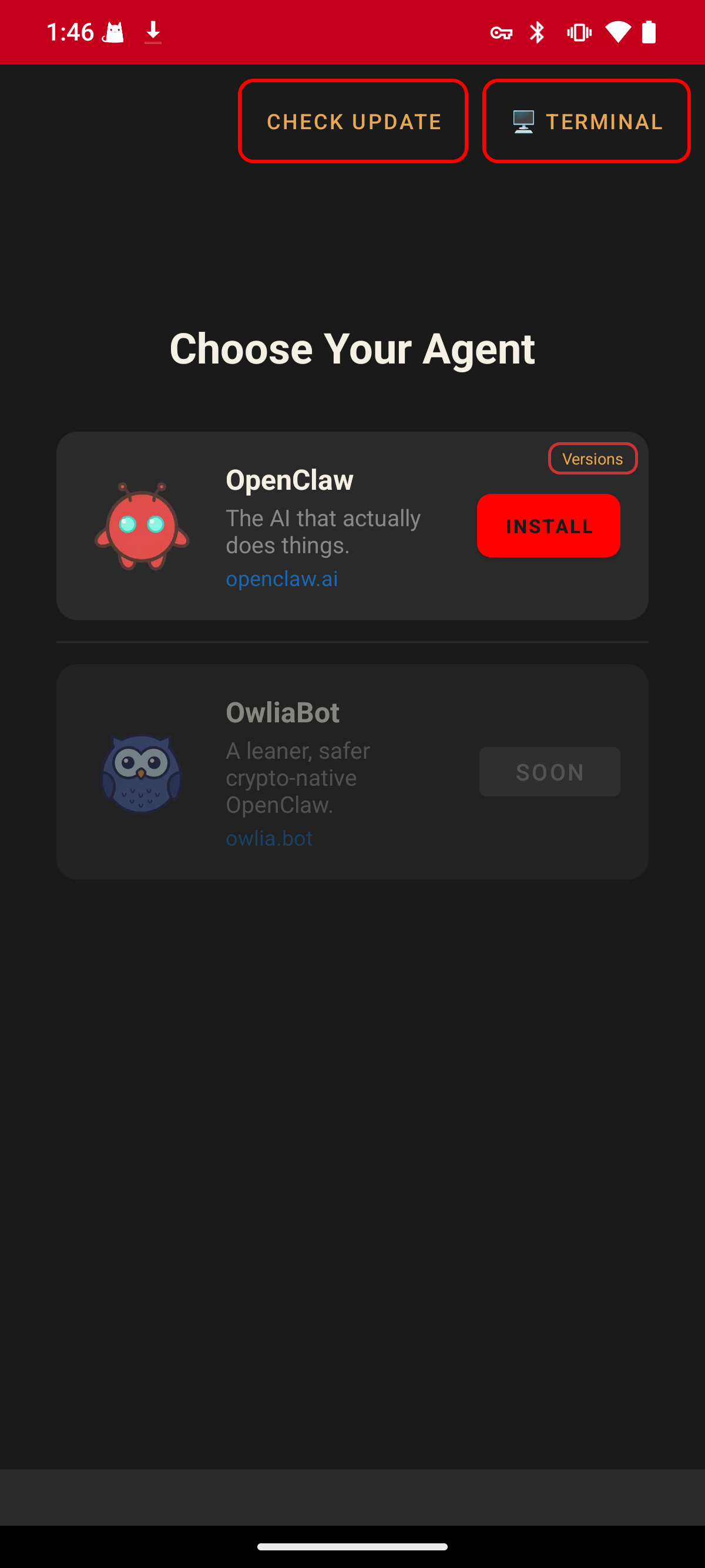
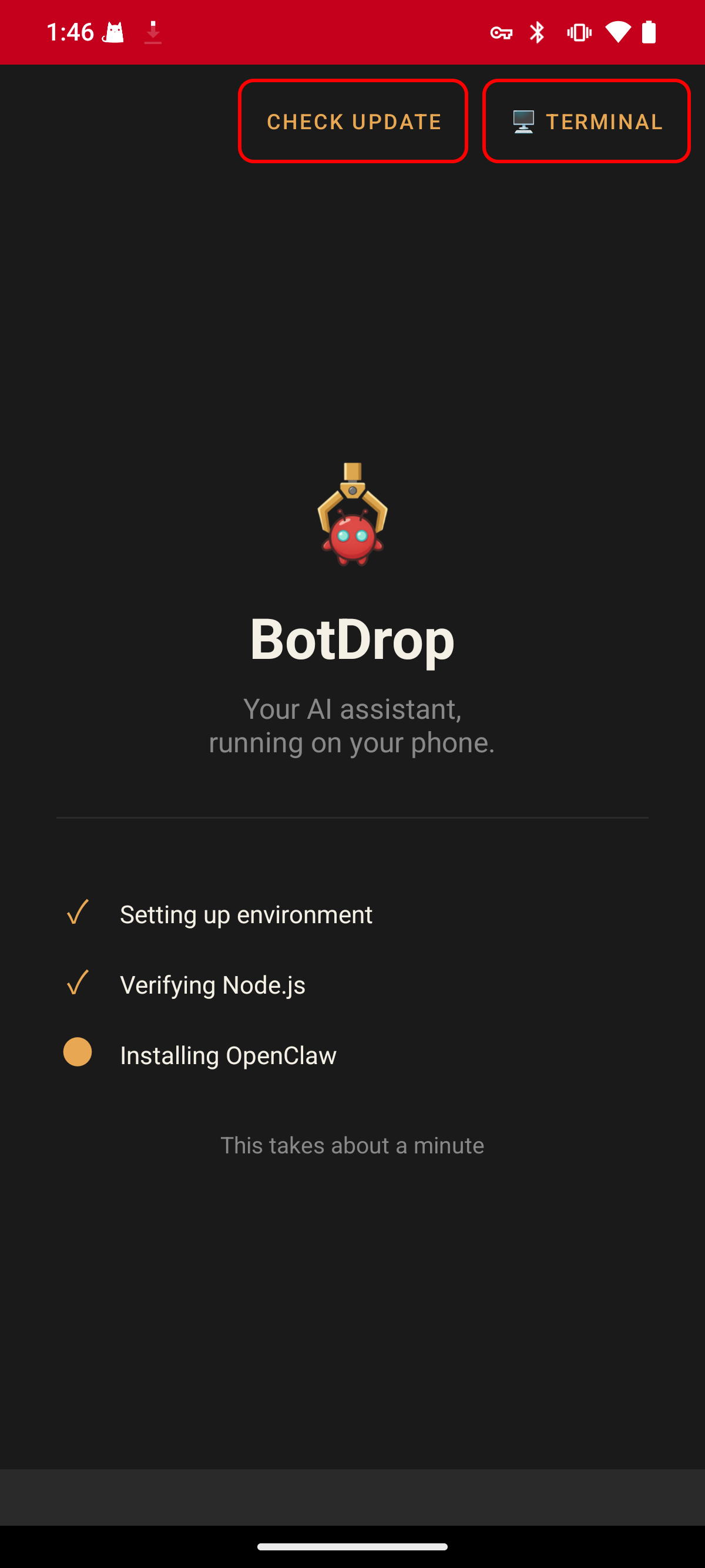
BotDrop will automatically set up the environment, verify Node.js, and install OpenClaw. This takes about 3–5 minutes. Please be patient.
Step 2: Choose Your AI Model
Section titled “Step 2: Choose Your AI Model”Select an AI provider and enter your API key.
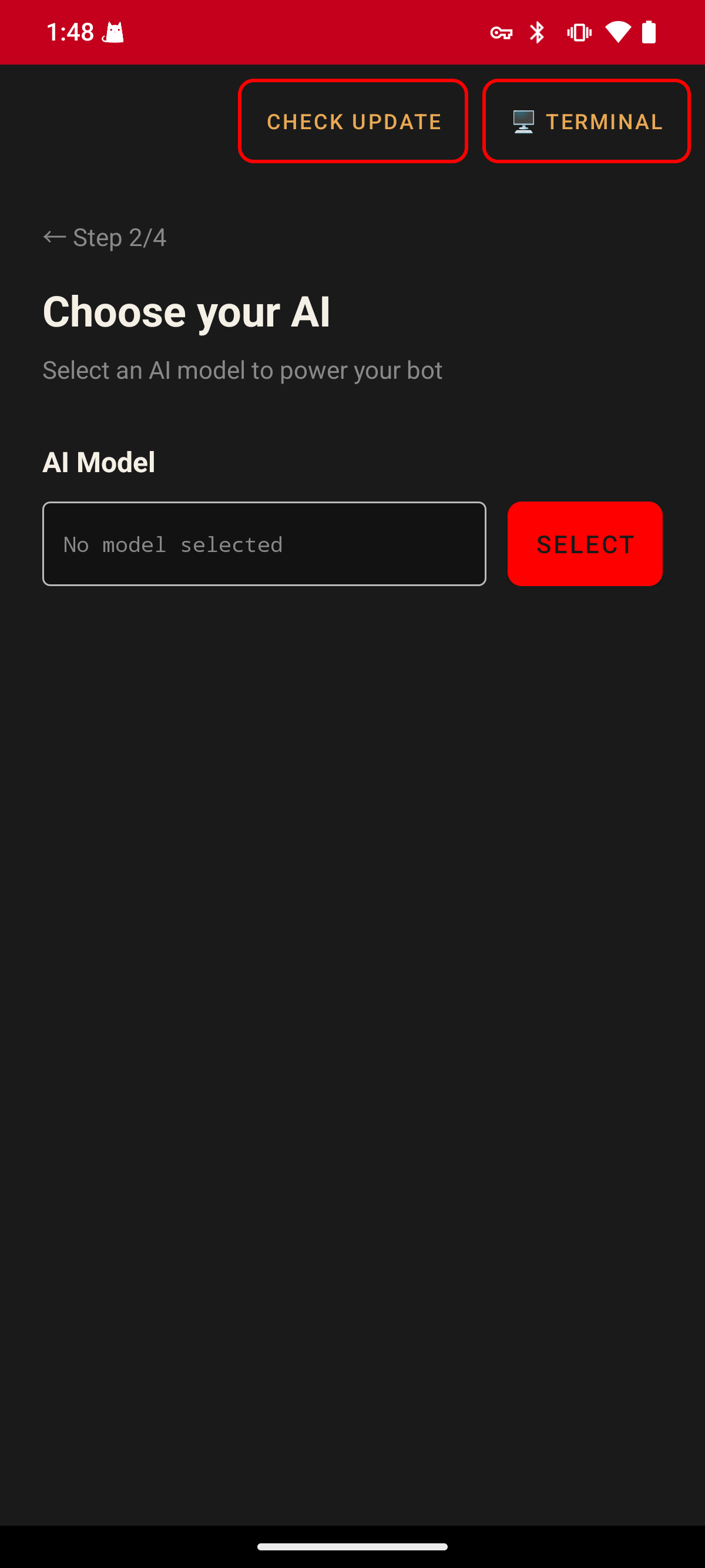
Tap SELECT, search for your provider (e.g. OpenRouter), and enter your API key.
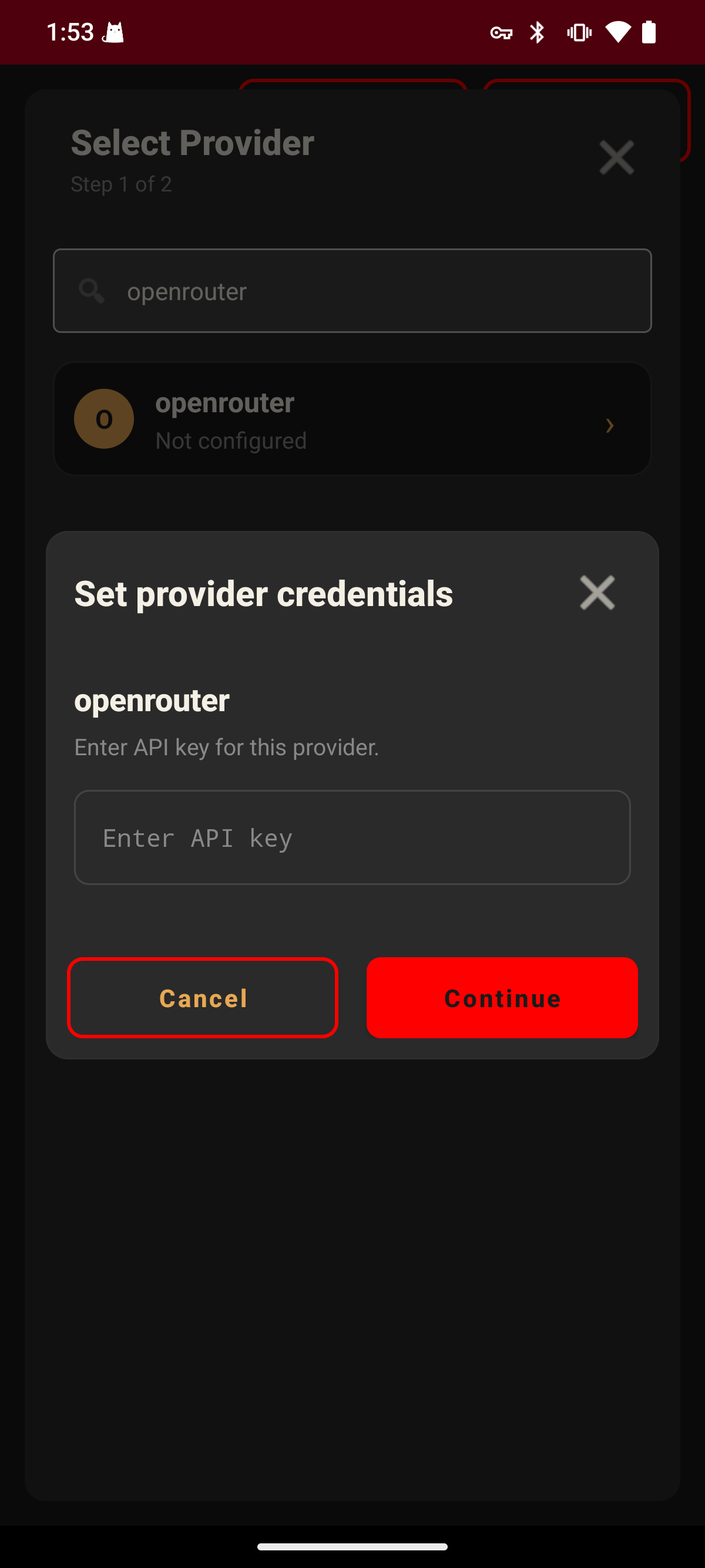
Supported providers:
- Anthropic — console.anthropic.com
- OpenAI — platform.openai.com
- Google Gemini — aistudio.google.com
- OpenRouter — openrouter.ai (100+ models with one key)
- Custom endpoint — Any OpenAI-compatible API
Step 3: Connect a Channel
Section titled “Step 3: Connect a Channel”Pick a chat platform to talk to your bot. You can connect one or more:
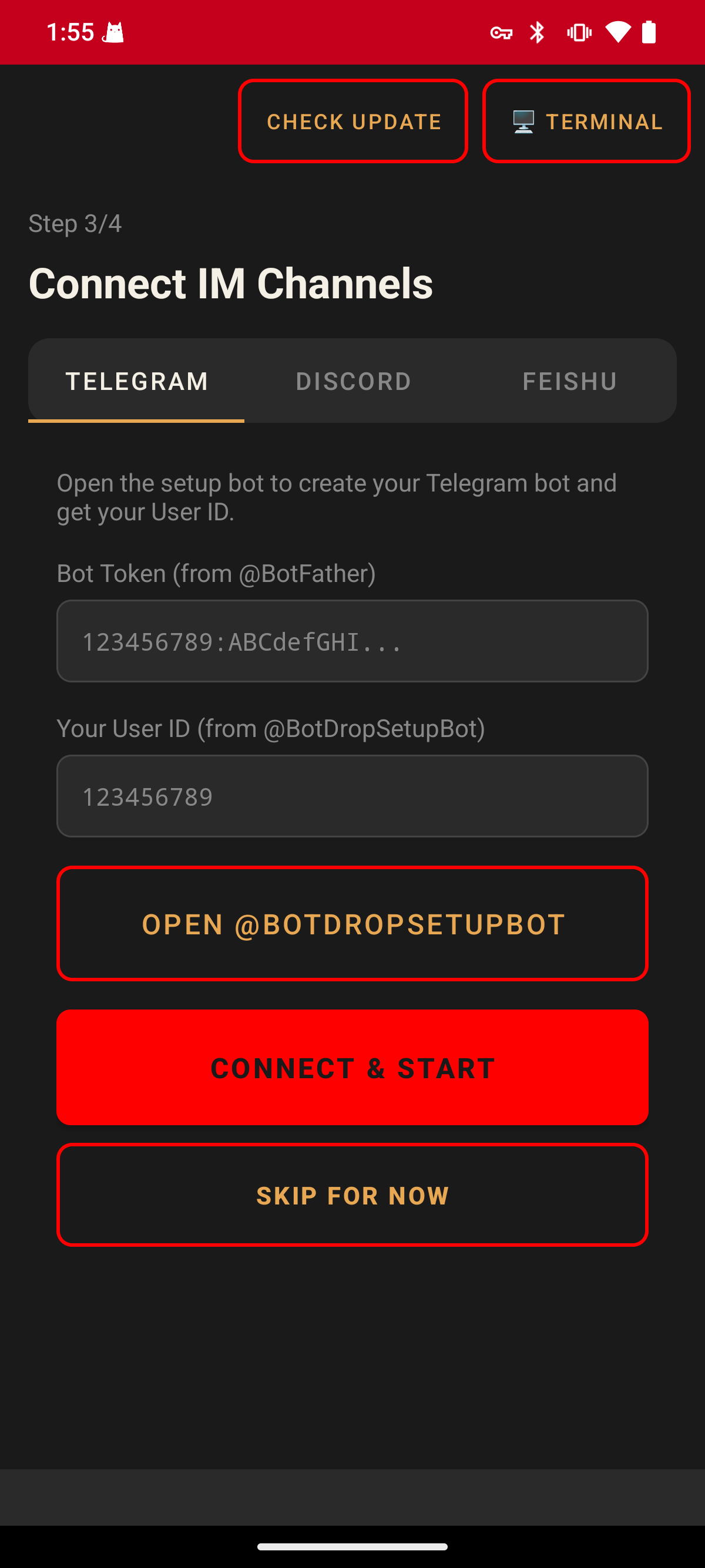
Enter the required credentials and tap CONNECT & START.
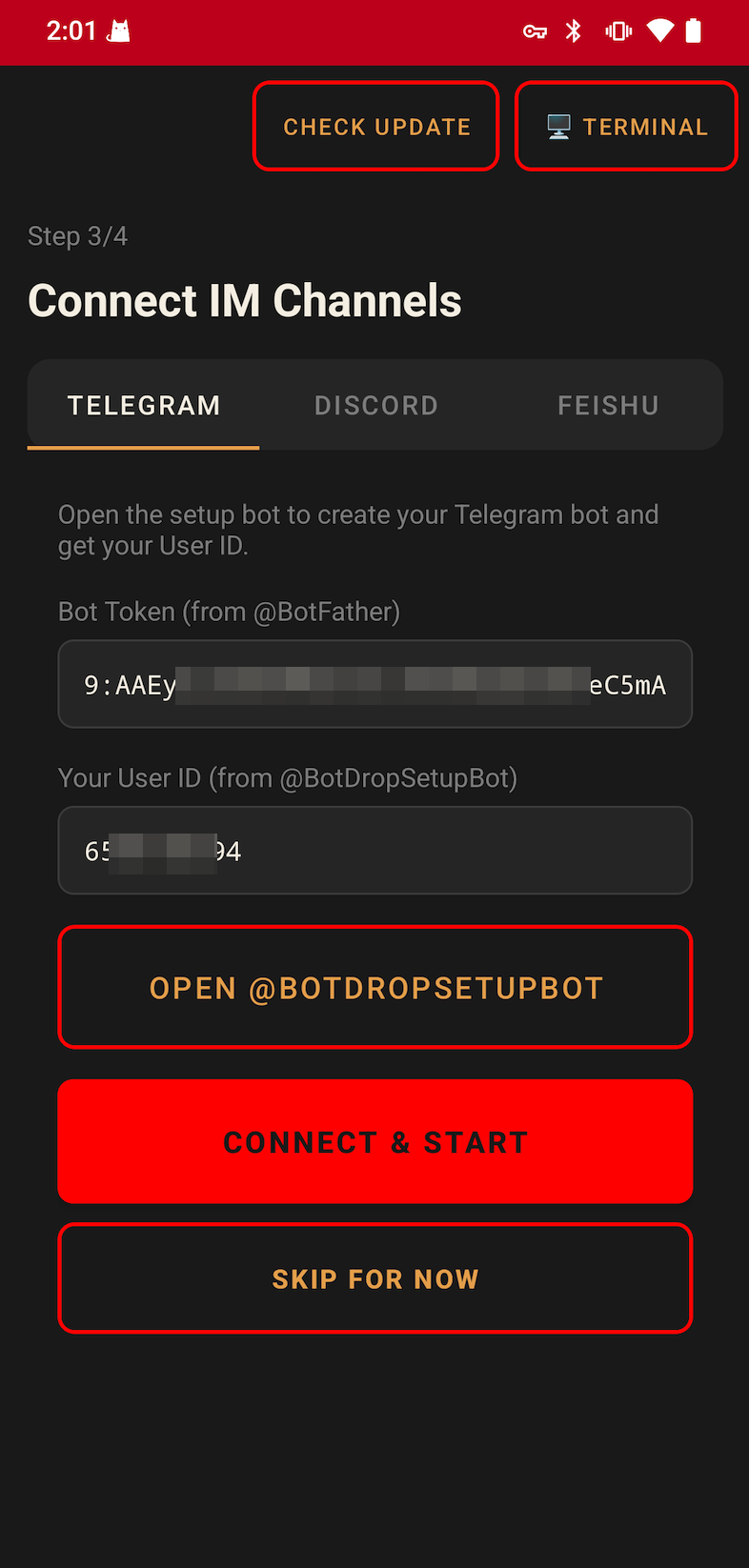
You can also tap SKIP FOR NOW and configure channels later.
Step 4: Done
Section titled “Step 4: Done”Once connected, the dashboard shows your gateway status. Green means running.
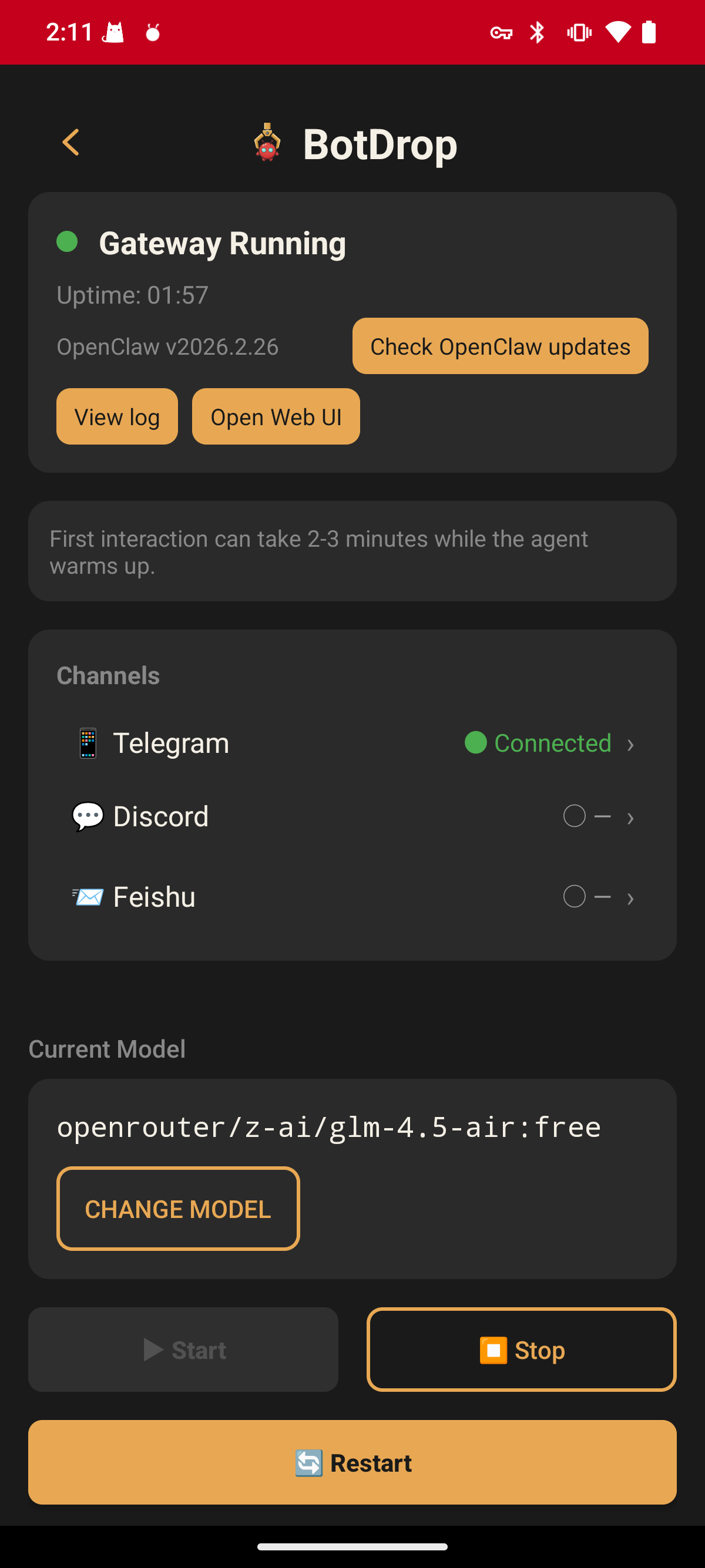
From the dashboard you can:
- Start / Stop / Restart the gateway
- Change the AI model
- View logs
- Open the Web UI